Agency Website design
Website design
A site that looks like you, composed for desktop and phone alike, saying clearly what you do and how to reach you.
Describe my site See a real site on two screens
Fictional example: a business imagined for this demonstration.
Demonstration: the home page of an imagined business, composed for three trades and three screen sizes
Try it: pick a trade
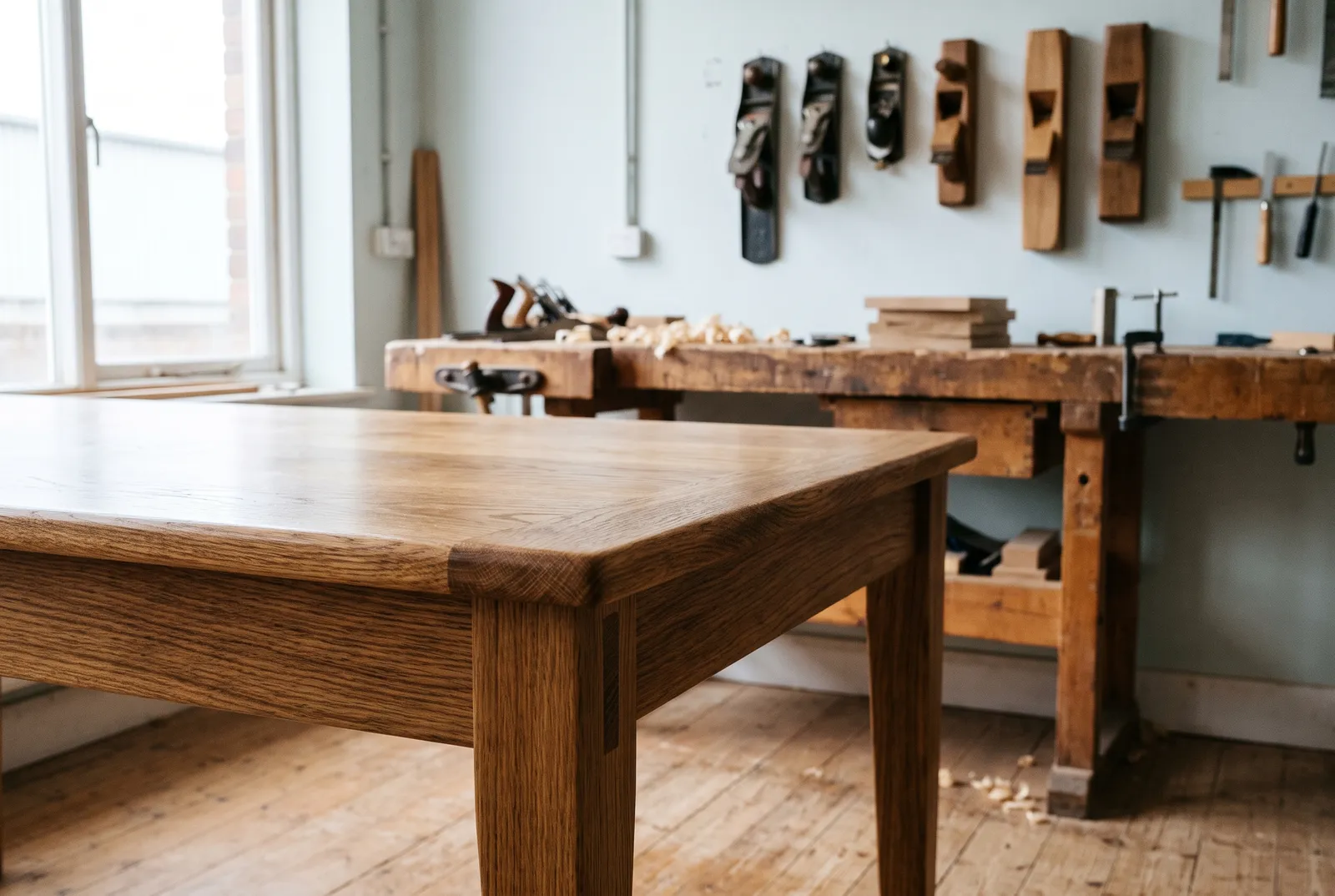
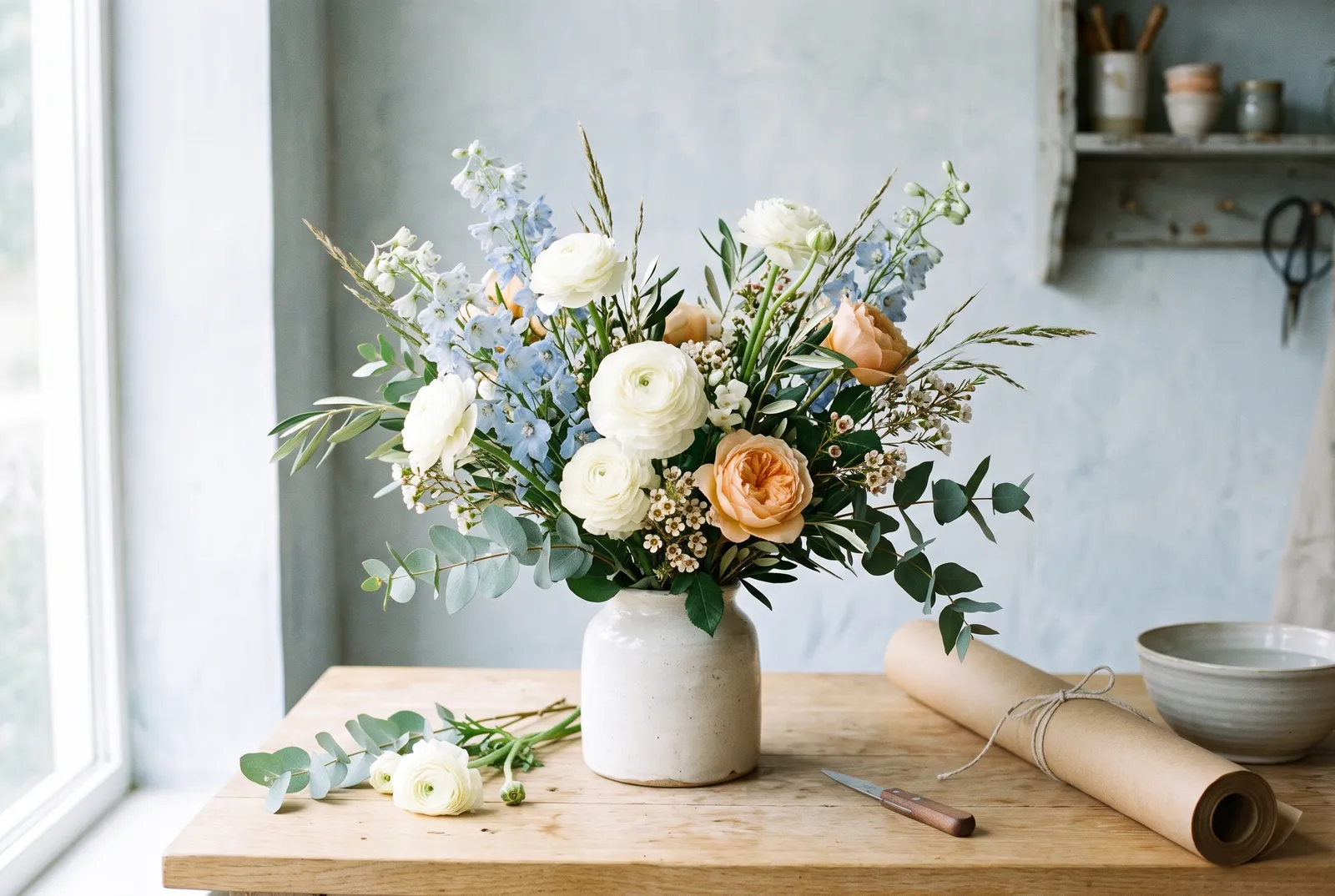
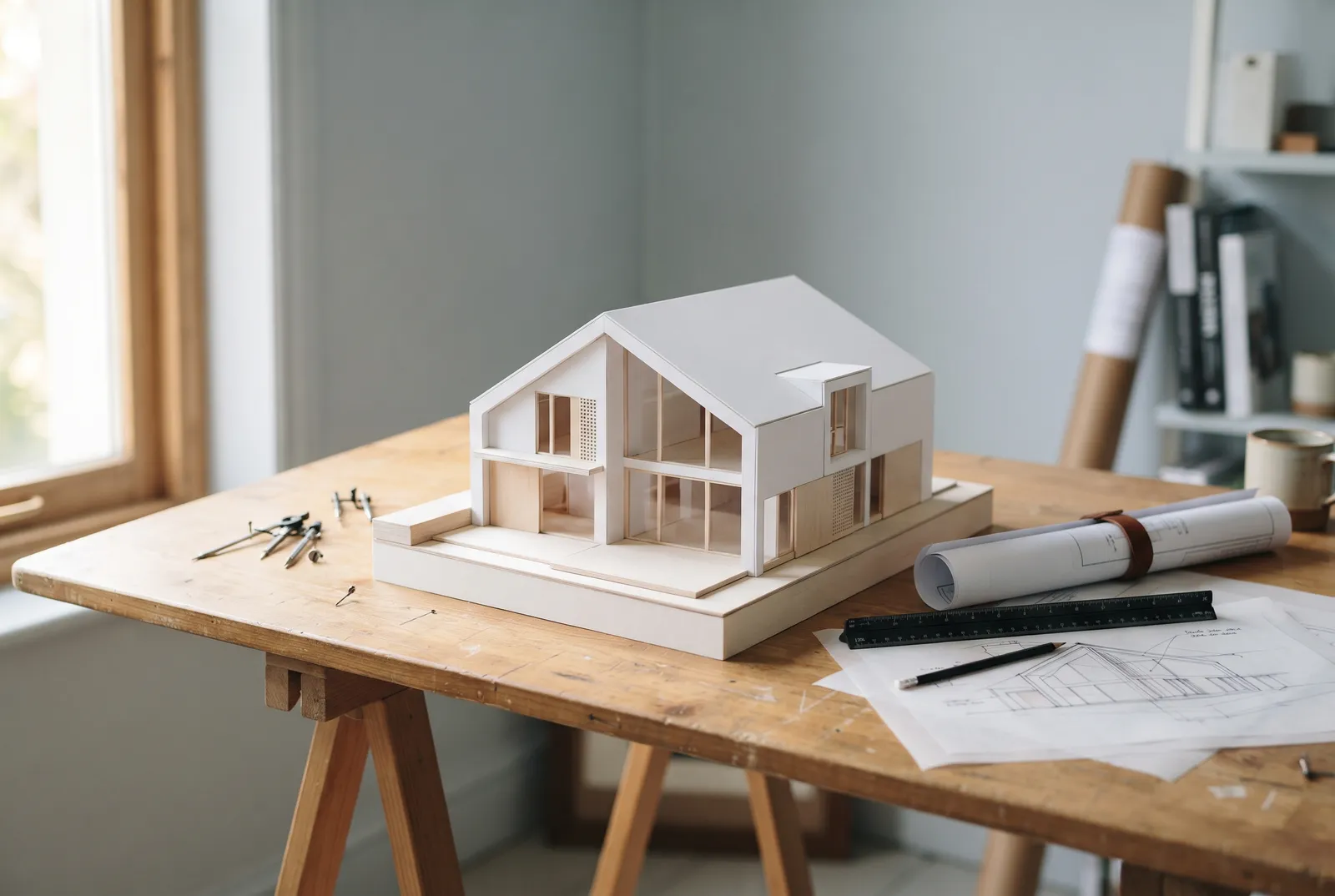
The same page recomposes to fit the width of the screen.Desktop: the menu fits on one line; image and headline share the screen.Tablet: the links fold behind a button; the headline moves above the image, cropped wide.Phone: the image is recropped upright; the services stack; “Request a quote” moves to the bottom of the screen, under the thumb.Desktop: the name sits at the centre of the menu; the headline is centred above the arched image.Tablet: the links fold behind a button; the arch widens.Phone: the image comes first, recropped upright; the headline follows; “Order a bouquet” moves to the bottom of the screen, under the thumb.Desktop: the headline spans the full width; text on the left, photo on the right.Tablet: the links fold away; the photo moves between headline and text.Phone: the photo is recropped square; the services stack; “Talk about your project” moves to the bottom of the screen, under the thumb.
Typeface : Inter Tight, bold and tight · Colours : oak, forest green, creamTypeface : Instrument Serif italic · Colours : sage, ivory, plumTypeface : Syncopate and light Inter Tight · Colours : concrete, ink, terracotta
Fictional example: a business imagined for this demonstration.
Arrive, understand, get in touch
Careful composition serves an order of reading. On the same imagined page, on a phone:
Name, trade and promise on the first screen: visitors know at once whether they are in the right place.
Services and practical details, in the order people ask about them.
A call to action always in sight on the phone, and simple contact details at the end of the page.
Try it: pick a step
A real build, on two screens
Velocia, a demo site built by WIZIYO (fictional brand): the same page, filmed through the same passage on desktop and on phone.
See Velocia in detail Other demo sites: GOODbowl, Aplomb and Synapse.
The service, in detail
A brochure website presents your company, what it does and how to reach it, in a few clear pages. WIZIYO designs and builds it in Verviers, for companies in Liège and Wallonia: pages that are fast on phones and readable by Google, and a site whose code and access are yours.
- Family
- Create
- Area
- Verviers, Liège, Wallonia
- Your contact
- Mohammad Salimi
- Updated
Who is it for?
For a company, a self-employed professional or a shop that wants to be found and understood:
- an SME or a craftsman with no website yet, or with a website that no longer says what they do;
- a company launching a business, a product or a brand;
- a shop whose customers first look for opening hours, a menu or directions.
To sell online, see the online shop; for customers to book or order, the web application.
What it asks of you
- What makes your company: your services, your customers, your work, your contact details.
- Your texts and photos, or the information to write them.
- One person who decides: they approve the mock-up, then each screen.
- Access to your domain name, when the site goes live.
The steps
Understand. Your business, your customers, and what the site must produce: calls, enquiries, visits.
Design. A mock-up of the main screen, to open in your browser. Nothing is built before you approve it.
Build. The site is built at a private address that you can open.
Test. In real browsers, on computer and phone.
Deliver. Launch once you agree in writing, then handover of the code and access.
Each step in detail: the method.
What you receive
Try it: pick an item in the list
- A site of one or more pages, written for your customers: what you do, for whom, where, and how to reach you.
- Light pages, designed for phones first, in HTML, CSS and JavaScript, with no heavy software to maintain.
- The basics of search optimisation: titles, descriptions, canonical addresses, structured data, sitemap.
- Your texts written with you, if you have none.
- Before launch, the checks: speed on phones, keyboard reading, links and forms tried one by one.
- The site’s code and your access, on delivery.
Frequently asked questions
Who owns the website?
You do. The site’s code and your access are handed over on delivery: you can develop it further with us or with another provider.
Can I edit the texts myself?
That is decided at the start of the project. A site made of light pages is edited by us, on request. If you want to change your texts or news yourself, we take it into account when choosing the technology.
Will my site be found on Google?
It starts with the basics: titles, descriptions, speed, structured data, sitemap. Ranking well on competitive searches takes ongoing work: that is search engine optimisation, a separate service.
I already have a website: does it all need redoing?
Not necessarily. The free audit says what works and what holds it back: speed on phones, search visibility, the path to the contact page. See website redesign.
How much does a brochure website cost?
We do not publish prices: it depends on the number of pages, the texts to write, the languages and the features (form, map, booking). Describe your project: you receive a reply within one working day, with no commitment.
Your project
Describe your business
Your business, your customers, what the site should get them to do: a few lines are enough to start.
The request will open with:
Add or change a service
Describe my site Book a 20-minute call
Reply within one working day No commitment
Already have a site? Ask for the free audit